
Photos provide a way to cherish those special moments. Creating an album allows you to preserve memories in a timeless way. Whether it’s a wedding, holiday, or family milestone, a well-crafted album tells a story. It keeps the story locked in place, ready for unveiling whenever you open it. In this guide, we will offer tips, tricks, and inspiration to help you design a unique photo album that reflects your style.
Choose the Right Album Format
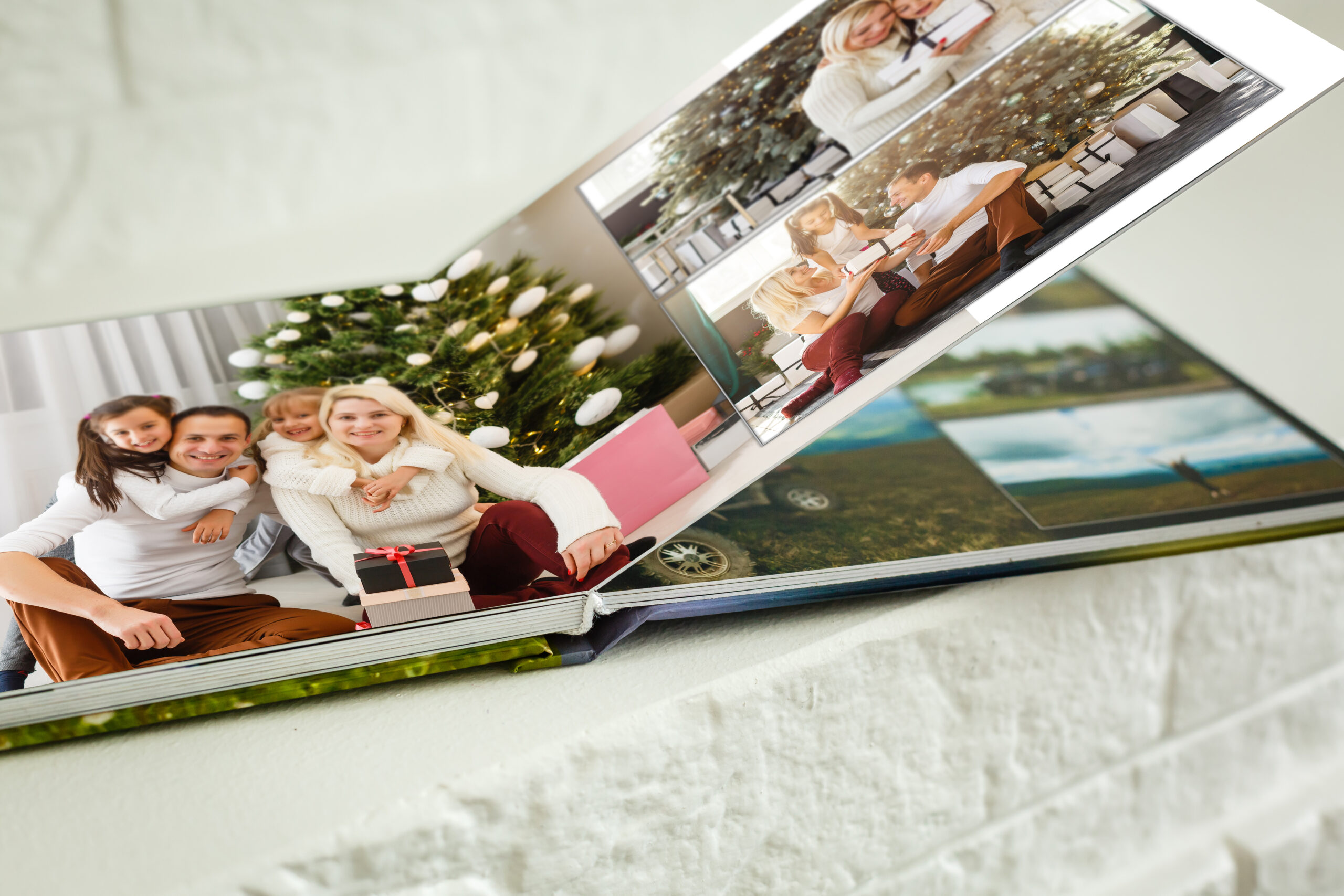
Start by selecting a format that suits your needs. Consider size, binding, and page count. Most sizes cater for common photo sizes like 4×6, 8×10, and 5×7. Essentially, it should fit at least two on one page. This sizing helps you in determining the page size. Smaller albums work for intimate events, while larger ones suit grand occasions.
If you are taking panoramic shots, go for lay-flat designs. It does lose any detail. Also, think of durability. Hardcover albums will last long enough for generations to savour them. Visit Photo Album by Photobox for versatile options.
Curate Your Photos Thoughtfully
You want to have photos that tell a story. So, take time to select the ideal photos. Start by choosing images that tell a story or evoke memories. You should keep photos that have something special or caught an activity when the subject was unaware. These add some fun to your story. Group similar photos to create a cohesive narrative, like a holiday’s progression from start to finish. Limit yourself to 3–5 photos per page to avoid clutter.
Edit Images Before Printing
Before printing your images, edit them so that they look their best. Free tools like Canva and GIMP can help enhance brightness, contrast and clarity in your images so that they look good. Then, pick the right size to print them; the larger the photo, the better it looks.
Print High-Quality Images
Ensure quality printing for longevity. Opt for high-resolution images (at least 300 DPI) to ensure sharpness. Choose archival-quality paper to prevent fading. Then, store albums in a cool, dry place to protect them. Just ensure you regularly back up files to safeguard against loss.
Organise by Timeline or Theme
Organise photos by theme (e.g., family, travel) or chronologically for a natural flow. For example, a wedding album might start with preparations, followed by the ceremony, then the reception. Use captions sparingly to add context without overwhelming the viewer. Most digital album designs have options to add captions. When taking photos, be sure to note some details that you would like viewers to note.
Design with Creativity and Balance
When picking or designing an album, include your personality touches. Choose a consistent colour scheme or style to unify the album. If you would like to highlight photos, go for neutral backgrounds. However, if you want to add flair, use subtle patterns.
Additionally, avoid overcrowding pages. Enhance the visual appeal of your photo album by creating white spaces between images. Experiment with layouts, such as mixing portrait and landscape images, but maintain clean alignment.
Incorporate Personal Touches
Add handwritten notes, postcards and tickets to your printed photos for that personal touch. For example, you may have tickets from your last holiday beside you to add some context. Some digital platforms also allow you to add decorative elements and text overlays. Just text different fonts, but ensure consistency for visual appeal.
Conclusion
Design a photo album that preserves memories and makes it easy to recall stories. Choose the right format, curate photos nicely and print high-quality images for physical albums. In the same spirit, add some creative touches to your albums and pick layouts that look great. This way, you can always enjoy moments forever locked in photos.